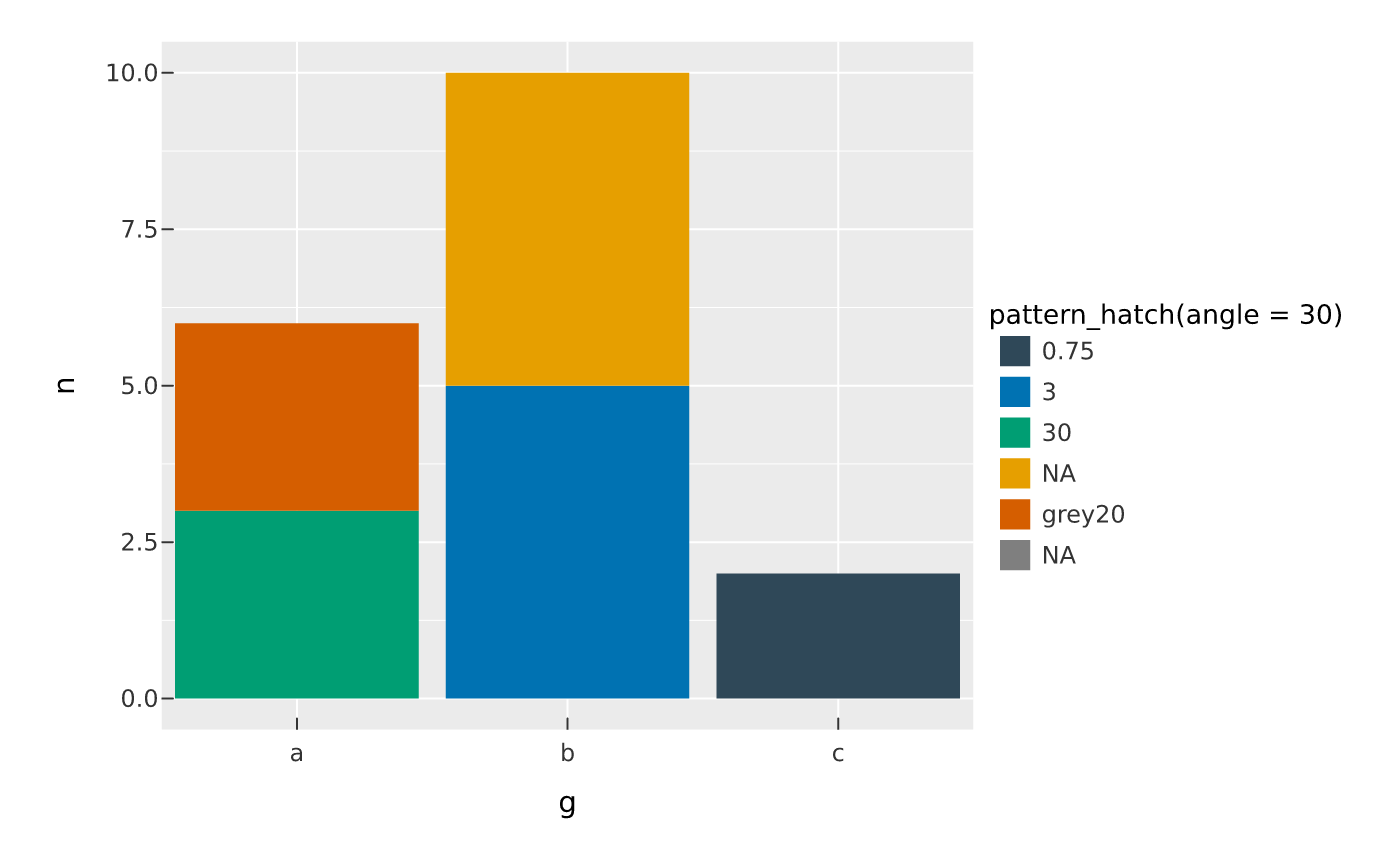
pattern_hatch() is the vector companion of the tile patterns above:
evenly spaced parallel lines produced as real geometry via vellum::vl_hatch()
rather than a rasterised tile. Because it is vector, it stays crisp at any
magnification and in PDF (no embedded image), which makes it the better
redundant, non-colour encoding for accessible and print output — the "fix it"
step alongside plot_lint() and render_plot(cvd = ).
Arguments
- color
Line colour (any R colour). Default
"grey20".- bg
Background fill painted behind the lines, or
NA(default) for a transparent field so what is under the shape shows through.- angle
Line orientation in degrees. Any angle is allowed (unlike the tile patterns, vector hatch has no seamless-tiling restriction). Default
45.- spacing
Distance between lines, in millimetres. Default
3.- linewidth
Line width. Default
0.75.
Details
Use it exactly like the other pattern constructors: as a constant fill on a
filled mark, or as one of the values of scale_pattern() to map a discrete
variable to hatch textures.
Examples
df <- data.frame(g = c("a", "b", "c"), n = c(3, 5, 2))
vplot(df) |> mark_bar(x = g, y = n, fill = pattern_hatch(angle = 30))