theme_sketch() turns a whole plot hand-drawn in one line: it sets a
plot-wide sketch() default that every geometry mark and theme element
inherits (wobbly gridlines, axis lines, ticks, and marks), on a warm
paper-toned background. Text is never sketched — pass a handwriting font to
complete the look.
Usage
theme_sketch(
  plot,
  roughness = 1,
  bowing = 1,
  fill_style = "hachure",
  seed = 1L,
  font = NULL,
  paper = "#f4ecd8",
  ink = "#2b2b2b"
)
Arguments
- plot
A PlotSpec.
- roughness, bowing, fill_style, seed
Passed to
sketch()to build the plot-wide default (seesketch()for the full set of knobs).- font
Font family for all text (text is not sketched; a handwriting font such as
"Comic Sans MS"or"Chilanka"sells the hand-drawn look).NULL(default) keeps the system default family.- paper, ink
Background and foreground (text/line) colours.
Value
The modified PlotSpec.
Details
It is a complete theme (like theme_cyberpunk()): the sketch it sets is only
a default, so any mark's sketch = argument, any element_line() /
element_rect() sketch = slot, or a scale_* override still wins. Force an
individual element crisp with sketch = NA.
Examples
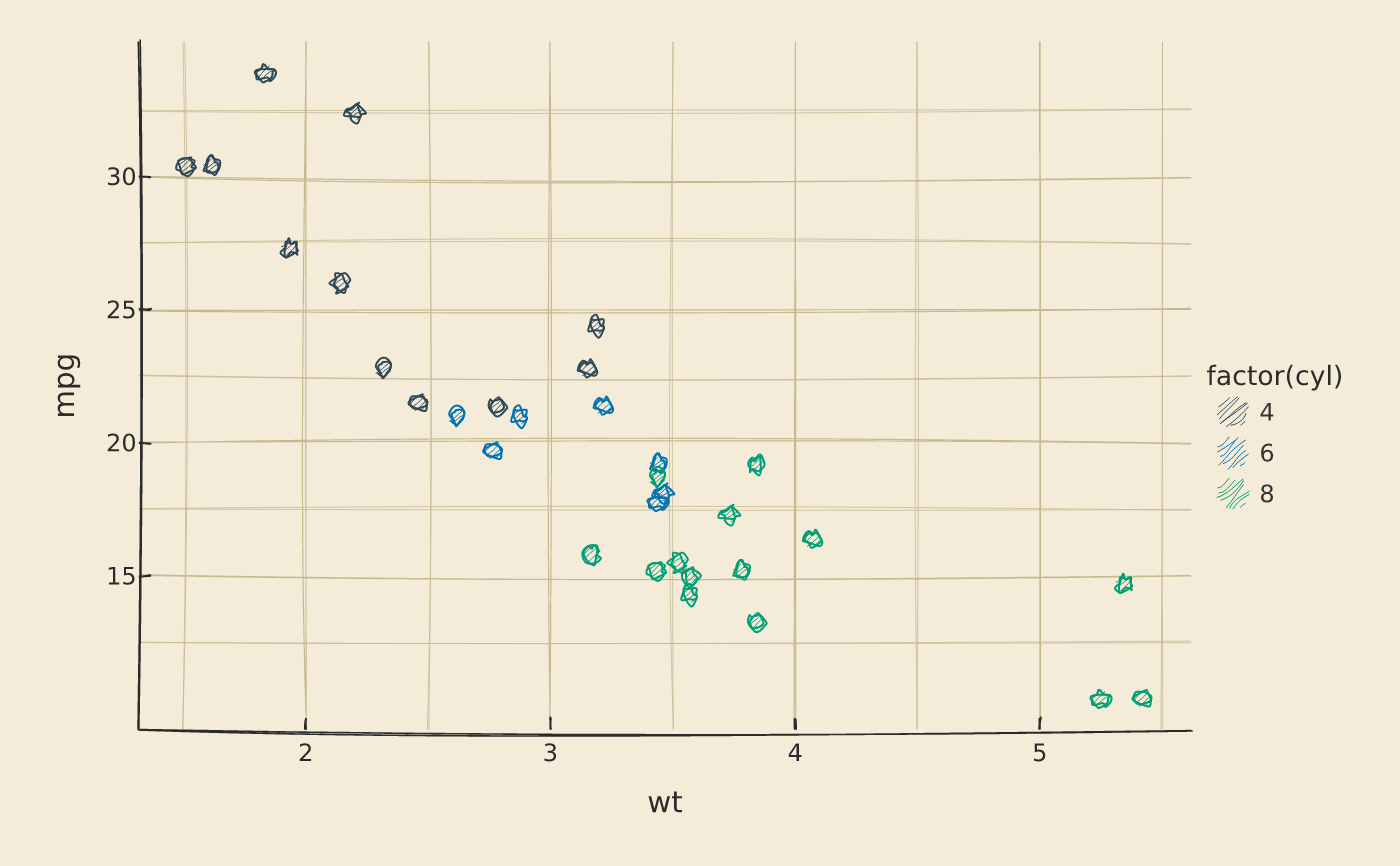
vplot(mtcars) |>
mark_point(x = wt, y = mpg, color = factor(cyl)) |>
theme_sketch()
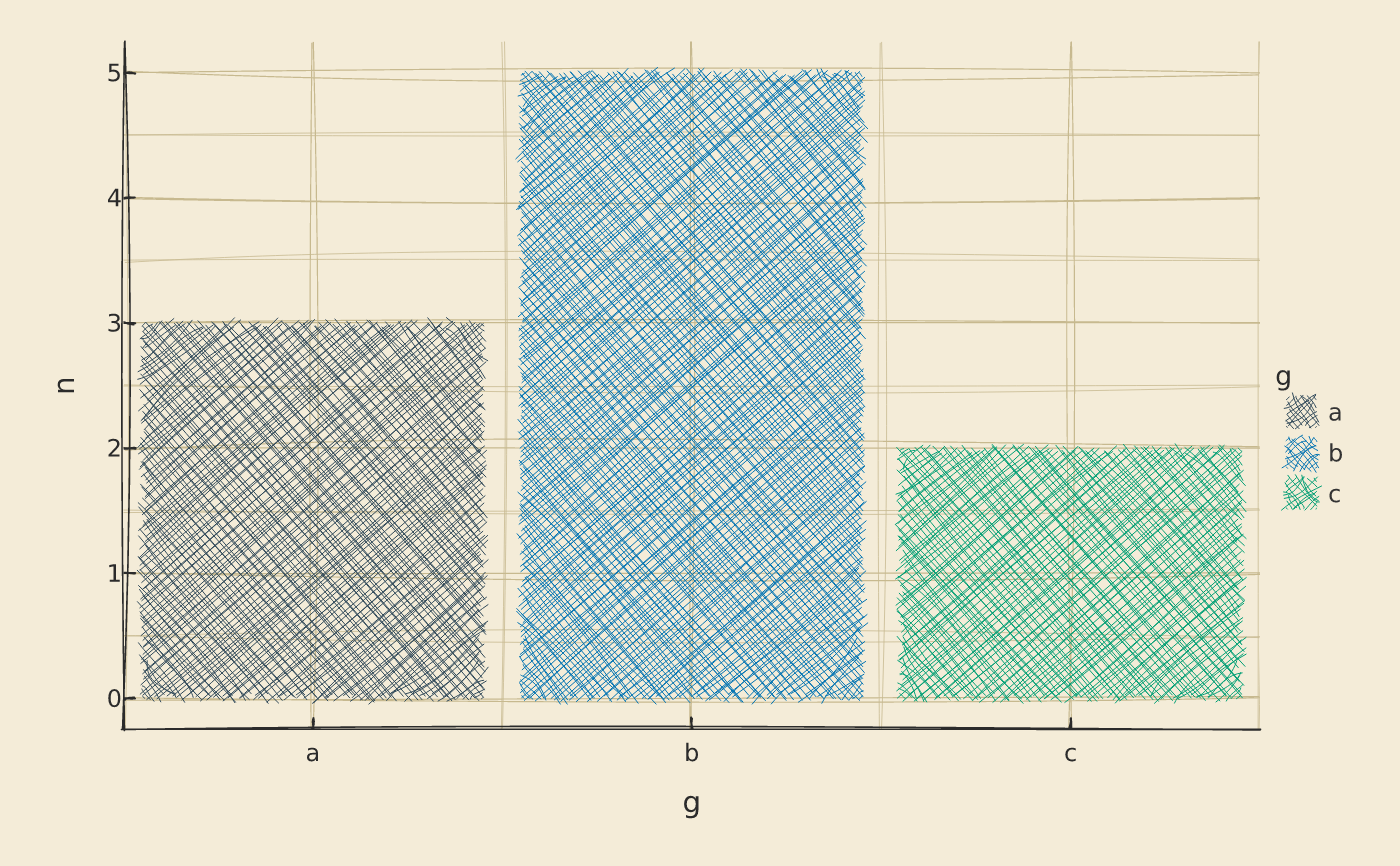
 # tune the wobble; a crosshatch-filled bar layer that stays crisp
df <- data.frame(g = c("a", "b", "c"), n = c(3, 5, 2))
vplot(df) |>
mark_bar(x = g, y = n, fill = g) |>
theme_sketch(roughness = 1.4, fill_style = "crosshatch", seed = 7)
# tune the wobble; a crosshatch-filled bar layer that stays crisp
df <- data.frame(g = c("a", "b", "c"), n = c(3, 5, 2))
vplot(df) |>
mark_bar(x = g, y = n, fill = g) |>
theme_sketch(roughness = 1.4, fill_style = "crosshatch", seed = 7)