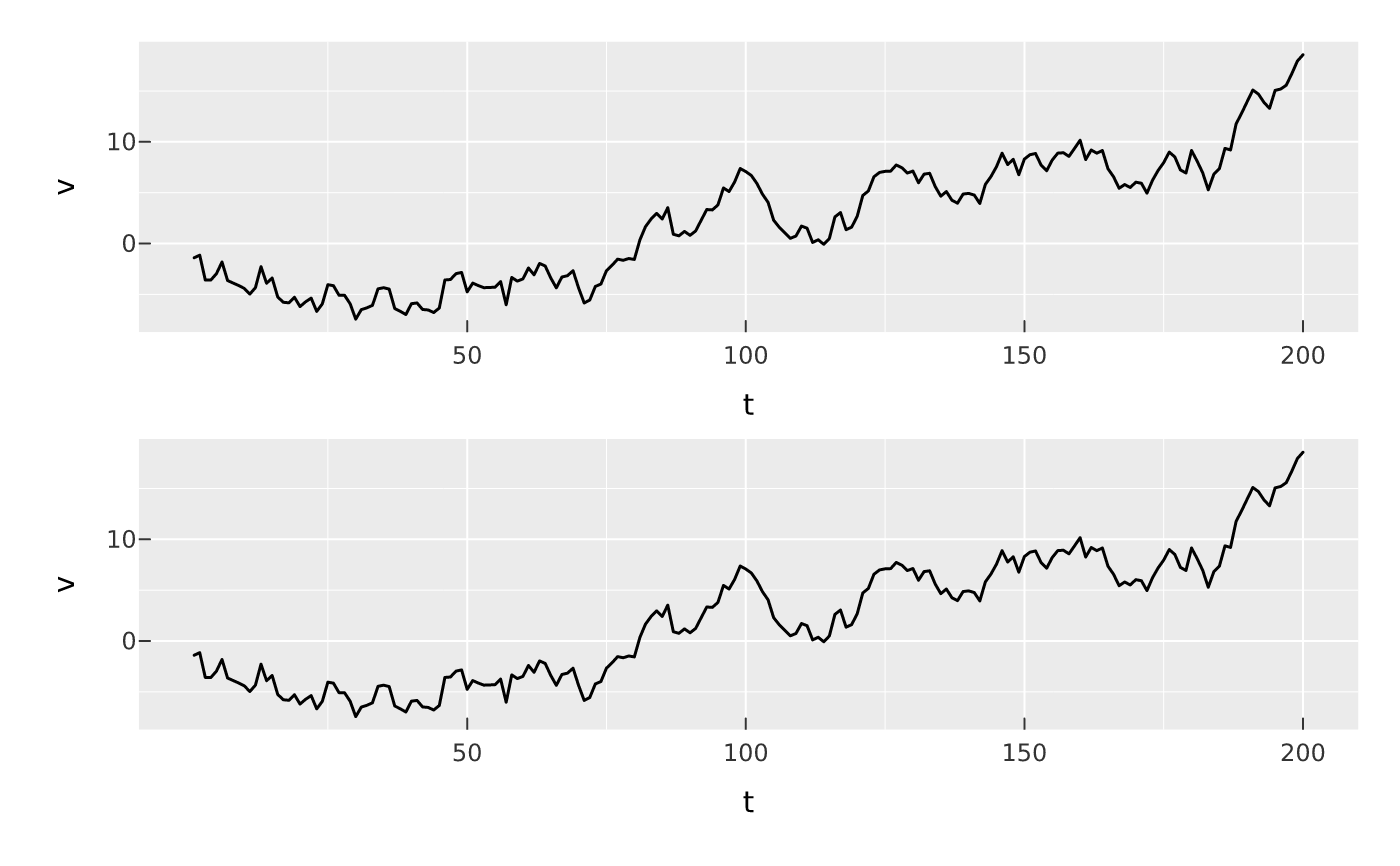
Make the aes view of this plot's panel(s) follow an interval
selection defined on another (overview) plot: brushing the
overview zooms this (detail) view to the brushed range, and clearing the
brush resets its zoom. It is Vega-Lite's
scale = list(domain = list(param = "brush")): the selection names the
detail view's domain. This is a display-tier view change (pan/zoom), not a
scale retrain, so the detail keeps its own scales and its axes re-tick for
the visible range.
Usage
bind_scale(plot, selection, aes = c("x", "y"))Arguments
- plot
A PlotSpec (the detail view).
- selection
A
SelectionSpec(an interval selection), or a name string.- aes
The axis to bind,
"x"(default) or"y".
Value
The PlotSpec, with the bind registered.
Details
The selection may be a brush or a bind = "scales" selection (then zooming
the overview zooms the detail: linked zoom). aes must be one of the
selection's encodings. Bind as many views as you like to one selection, and
call bind_scale() twice ("x" and "y") to follow a rectangular brush on
both axes. The panel the brush is drawn in never zooms itself.
Enacted by vellumwidget::as_widget() in SVG mode; under Shiny the detail's
visible range is reported in input$<id>_zoom$panels. A composition names
its panels per cell ("cell-2-panel-1-1", ...), so each cell's range is
addressable.
Examples
df <- data.frame(t = 1:200, v = cumsum(rnorm(200)))
brush <- select_interval("brush", encodings = "x")
vconcat(
  vplot(df, height = 2) |> mark_line(x = t, y = v) |> add_selection(brush),
  vplot(df) |> mark_line(x = t, y = v) |> bind_scale(brush)
)