The ecosystem is layered so that each layer exposes a seam the next one builds on. The same seams are open to you. This article walks the four most useful extension points, from the most local (a reusable piece of drawing) to the most structural (making the whole ecosystem understand a new kind of object).
1. Reusable drawing: grob factories and scene helpers
There are two ways to package a piece of drawing for reuse, and both are ordinary R functions: nothing to register, nothing to teach the renderer.
The first is a grob factory: a function that returns a single grob. datashade() is exactly this: it returns one raster_grob, and a function that returns a grob is a first-class primitive that drops straight into draw(), inherits graphical parameters from its viewport, and renders to every backend.
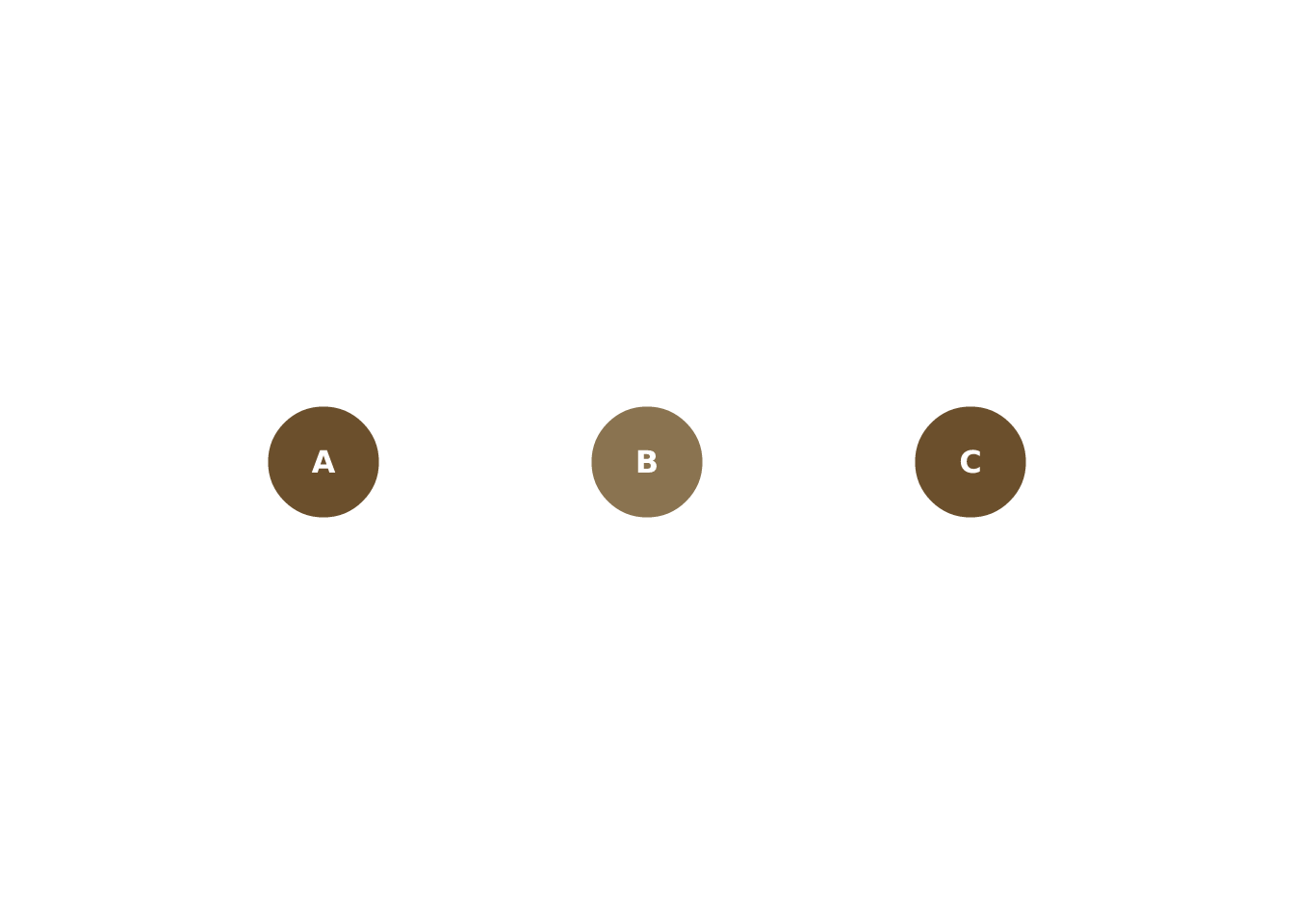
The second, for drawing that is more than one primitive, is a scene helper: a function that takes a scene, draws into it, and returns the scene. Because draw() takes one grob at a time, this is how you compose several primitives into a reusable unit that still chains in a pipe:
# a labelled marker: a filled circle with text centred on it
marker <- function(scene, x, y, label, fill = "#6b4f2c") {
  scene |>
    draw(circle_grob(x = x, y = y, r = 0.06, gp = vl_gpar(fill = fill, col = NA))) |>
    draw(text_grob(label, x = x, y = y,
                   gp = vl_gpar(col = "white", fontface = "bold", fontsize = 12)))
}

vl_scene(4, 2, bg = "white") |>
  marker(0.25, 0.5, "A") |>
  marker(0.5, 0.5, "B", fill = "#8a7350") |>
  marker(0.75, 0.5, "C")
Scene-in, scene-out means your helper composes with draw(), push(), and pop() like any built-in verb.
2. Custom themes: restyle without new machinery
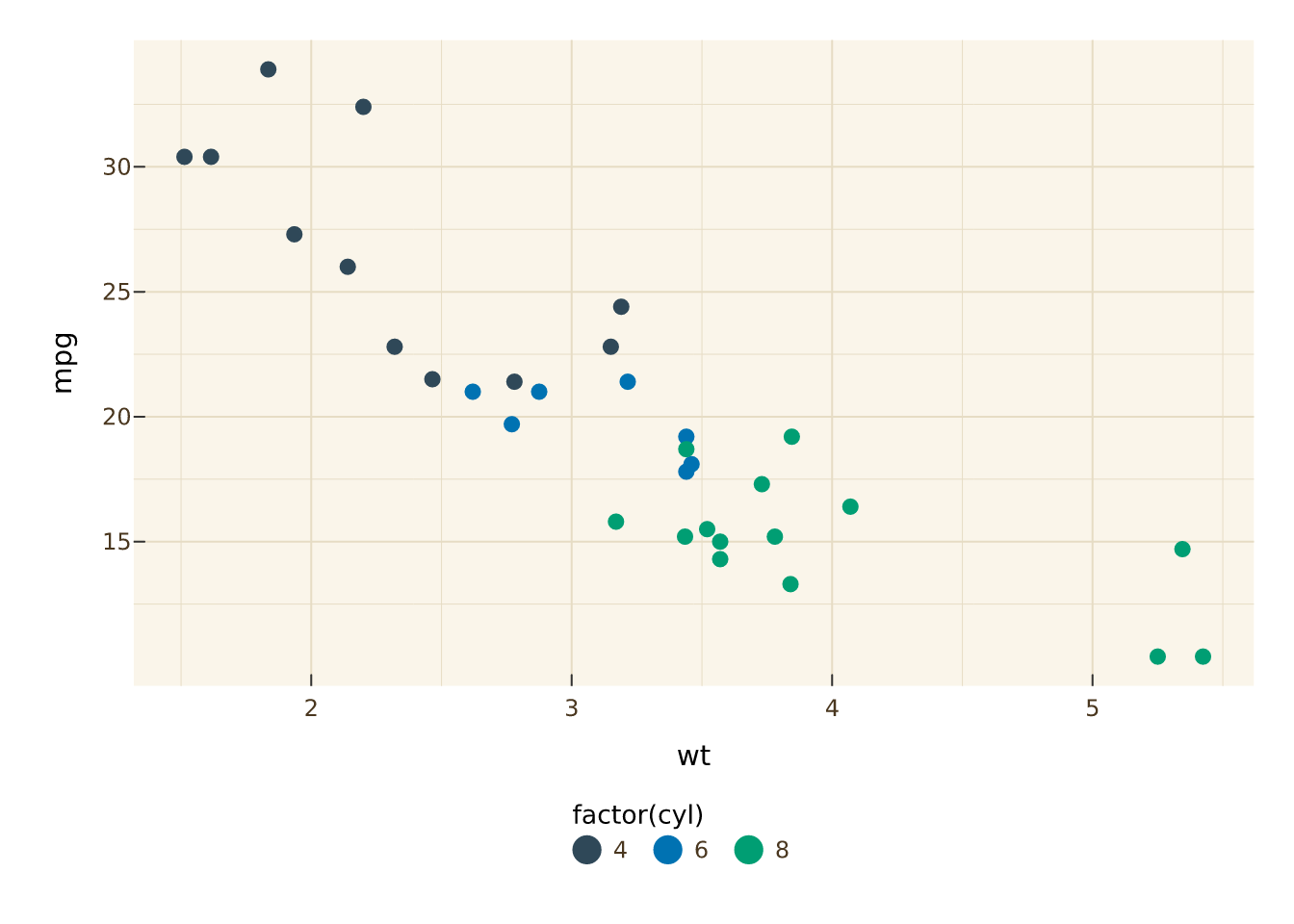
At the grammar layer, a theme is a function that sets styling on a plot spec. vellumplot gives you theme() for individual elements and set_theme() for the common surfaces, built from element_text(), element_line(), and element_rect(). A reusable theme is a function that applies them:
theme_parchment <- function(plot) {
  plot |>
    set_theme(
      panel_bg  = "#faf5ea",
      grid_col  = "#e6dcc4",
      label_col = "#4a371f"
    ) |>
    theme(
      plot.title     = element_text(family = "serif", size = 16),
      legend.position = "bottom"
    )
}

vplot(mtcars) |>
  mark_point(x = wt, y = mpg, color = factor(cyl)) |>
  theme_parchment()
Since a theme is an ordinary verb in the pipe, it composes with everything else and can be shared as a one-function package.
3. The interactivity contract
This is the seam that ties all three layers together, and the most useful one to understand if you build tools on top. Interactivity is not a feature of vellumwidget alone; it is a contract carried through the scene:
- A
vellumplot mark declares the reserved channels tooltip, data_id, hover_group, hover_color, and selected_color.
- Those are compiled onto the
vellum grobs as their key (identity) and meta (the rest).
-
vellumwidget reads them back out of the compiled scene (via scene_model()) and wires up the widget.
The practical consequence: you can make a bespoke vellum scene interactive without touching vellumwidget at all, just by attaching key and meta to your grobs. Every primitive grob accepts them.
# a hand-built scene whose points are hoverable and selectable
s <- vl_scene(4, 3, bg = "white") |>
  push(vl_viewport(xscale = c(0, 10), yscale = c(0, 10))) |>
  draw(points_grob(
    x = vl_unit(c(2, 5, 8), "native"),
    y = vl_unit(c(3, 7, 4), "native"),
    gp = vl_gpar(fill = "#6b4f2c"),
    key = c("a", "b", "c"),                     # identity for selection
    meta = list(tooltip = c("Alpha", "Beta", "Gamma"))
  ))

as_widget(s)   # tooltips and selection work, no vellumplot involved
Because the contract lives in the scene, a mark you invent in vellumplot that sets tooltip/data_id becomes interactive in vellumwidget automatically, and a grob you build in vellum that sets key/meta does too. Neither end has to know about the other.
4. Teach the ecosystem about your object
The deepest seam is as_vellum_scene(), the S7 generic that every consumer calls to turn something into a renderable scene. vellumplot registers a method for its plot spec; that is how render() and as_widget() accept a vellumplot plot at all. If you have your own object (a model, a spatial structure, a domain-specific plot type), you can register a method that compiles it into a vellum scene, and from that moment it renders and becomes interactive through the same machinery as everything else.
library(S7)

# a tiny custom object
my_plot <- function(data) structure(list(data = data), class = "my_plot")

# teach the ecosystem how to compile it into a vellum scene
method(as_vellum_scene, new_S3_class("my_plot")) <- function(x, ...) {
  vl_scene(4, 3, bg = "white") |>
    push(vl_viewport(xscale = range(x$data$x), yscale = range(x$data$y))) |>
    draw(points_grob(vl_unit(x$data$x, "native"), vl_unit(x$data$y, "native"),
                     gp = vl_gpar(fill = "#6b4f2c")))
}

p <- my_plot(data.frame(x = 1:10, y = (1:10)^2))

render(p, "custom.png")   # works: render() compiles via as_vellum_scene()
as_widget(p)              # works: vellumwidget compiles via the same seam
Registering that one method is what makes render(), render_plot(), and as_widget() all accept your object; they never see my_plot, only the scene it compiles to.
The picture
The four seams line up with the four layers of reuse:
| a piece of drawing |
a function returning grobs |
vellum |
| a look |
a function applying theme()/set_theme()
|
vellumplot |
| interactivity |
key/meta on grobs; tooltip/data_id on marks |
the scene contract |
| a whole new plot type |
an as_vellum_scene() method |
the compiler seam |
Each is independent: a composite grob needs no theme, a theme needs no custom object, and a custom object gets rendering and interactivity for free the moment it can produce a scene. That independence is the point of splitting the ecosystem into layers. See the vellum ecosystem and vellum’s design principles for the reasoning behind the split.