set.seed(1)
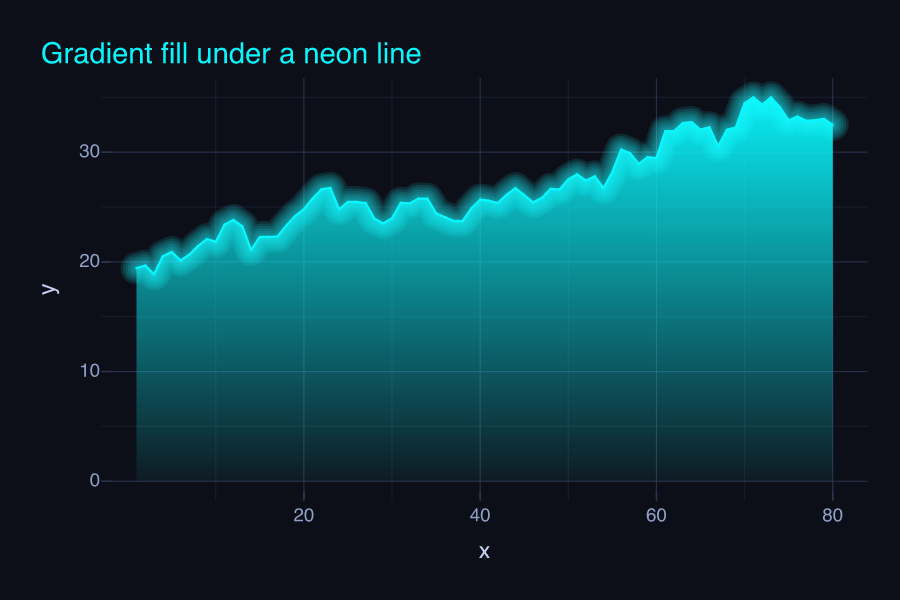
area <- data.frame(x = 1:80, y = 20 + cumsum(rnorm(80, 0.05, 1)))

p <- vplot(area) |>
  mark_area(
    x = x, y = y,
    fill = linear_gradient(c("#08F7FE", "#08F7FE00"),
                           x1 = 0, y1 = 1, x2 = 0, y2 = 0)
  ) |>
  mark_line(x = x, y = y, color = "#08F7FE", effects = list(glow(size = 5))) |>
  labs(title = "Gradient fill under a neon line") |>
theme_cyberpunk()Neon glow and gradient fill
Effects
A high-contrast cyberpunk theme with a glowing line and a gradient area fill.
Layer effects and gradient fills are first-class. A linear_gradient() fades the area to transparent, glow() haloes the line, and theme_cyberpunk() sets the near-black canvas and neon palette.
The halo is a real Gaussian blur in the engine (vellum::vl_viewport(blur = )): one softened layer composited under the line, rather than a stack of widened low-opacity copies faking a soft edge. It is cheaper and smoother, and it lifts the restriction that came with the old approach, so text can glow too.
Text glows too
mark_text() and mark_label() take an effects argument, and glow() and shadow() work on them, so an annotation can sit in the same neon register as the line it labels instead of being the one flat element on a glowing canvas.
peak <- area[which.max(area$y), ]
peak$label <- "peak"
peak$x <- peak$x - 9
peak$y <- peak$y - 2

p2 <- vplot(area, width = 7, height = 4) |>
  mark_area(
    x = x, y = y,
    fill = linear_gradient(c("#FE53BB", "#FE53BB00"),
                           x1 = 0, y1 = 1, x2 = 0, y2 = 0)
  ) |>
  mark_line(x = x, y = y, color = "#FE53BB", effects = list(glow(size = 5))) |>
  mark_text(x = x, y = y, label = label, size = 22, color = "#F5D300",
            effects = list(glow(size = 8)), data = peak) |>
  labs(title = "A glowing annotation") |>
  theme_cyberpunk()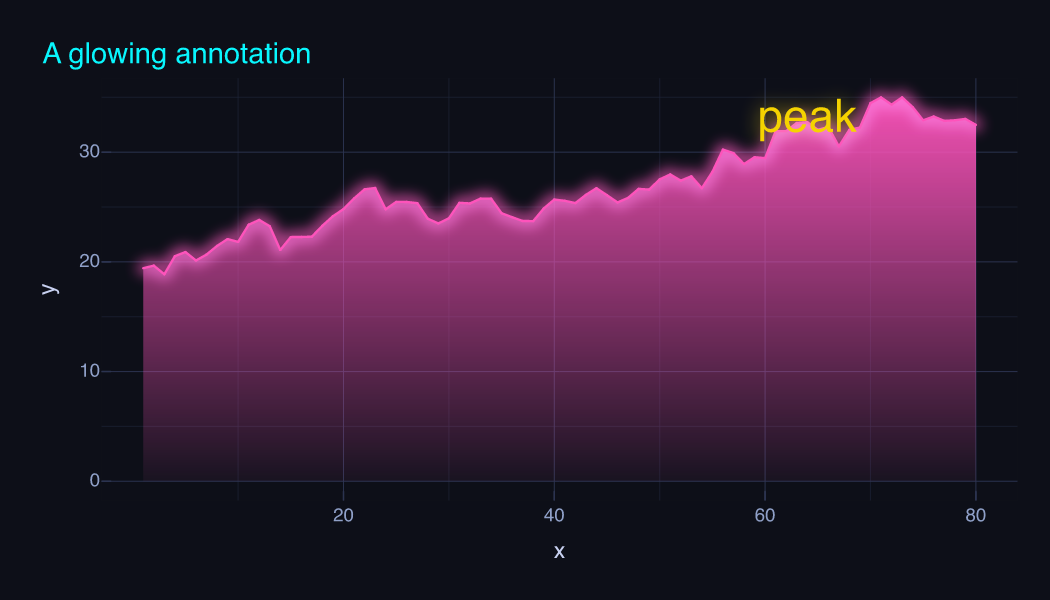
A sharp outline() still needs a glyph outline the text primitive cannot stroke, so that one is unavailable on text; glow() and shadow(), being blurs, are not.